

Lesson 14 of 55
Formatting your requests
Ask for the exact shape of answer you want — tables, summaries, grouped findings, ready-to-send language.
instaSpace will give you whatever shape of answer you ask for. Saying so up front saves you reformatting it afterwards — and makes a long answer instantly scannable.
Shapes worth asking for
- Grouped by severity — "group the findings as Critical / High / Medium / Low."
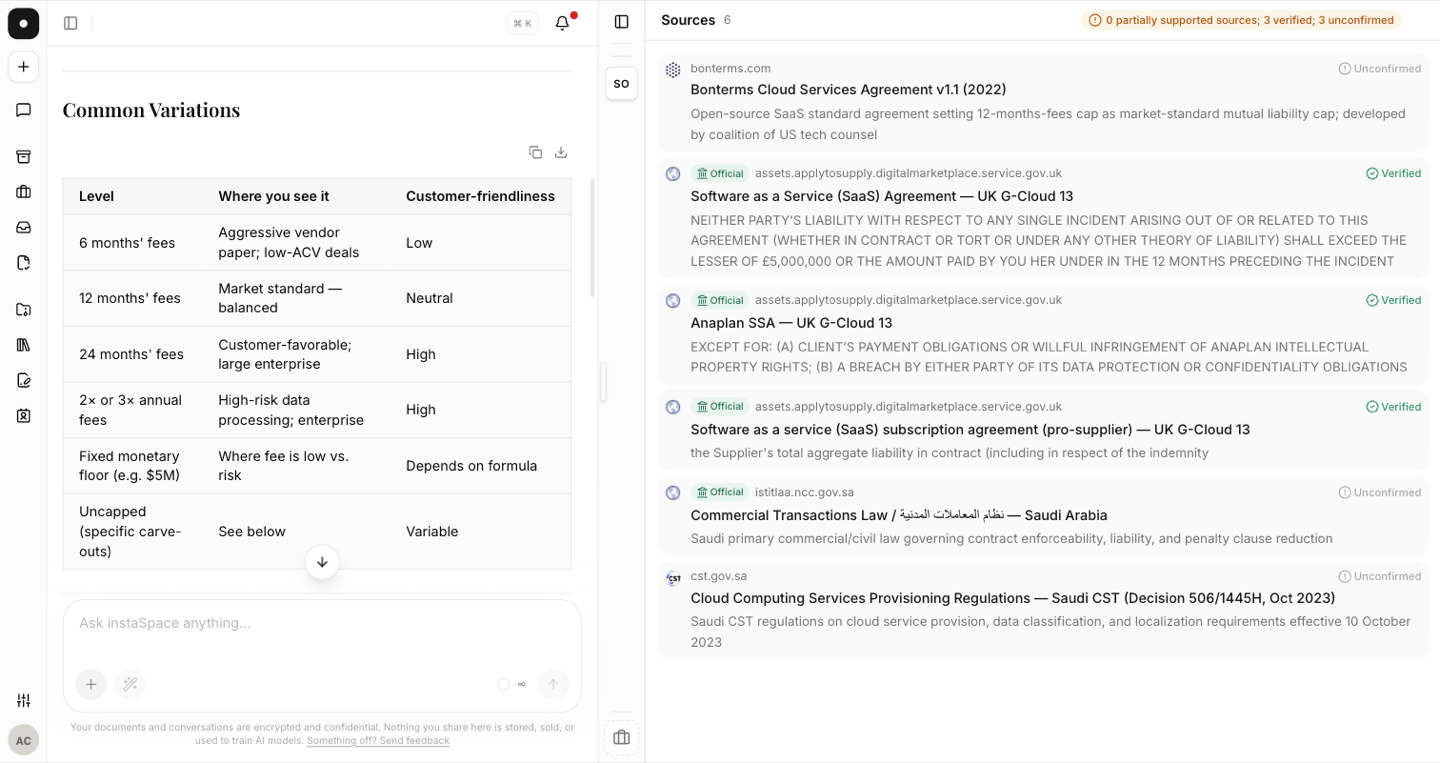
- As a table — "return a table with columns: clause, issue, suggested change."
- An executive summary — "give me three sentences I can send to the business."
- Clause + rationale — "propose revised wording and a one-line rationale for each."
- Just the change — "return only the redlined clause, nothing else."
Combine format with role and context
The best prompts stack all of it into one sentence:
"As the customer, review this MSA and return a table of the top ten risks with a suggested fallback for each, ordered by severity." — role, task, format and ordering, all at once.
It's a conversation
If an answer is too long or too terse, just say so: "shorter, bullet points only," or "expand the indemnity section with examples." Formatting isn't a one-shot — you can shape it as you go.