

Reviewing a contract
Upload a contract and get a structured, source-linked review of its risks, obligations and one-sided terms.
Reviewing is where almost everyone starts, and it's the fastest way to feel what instaSpace can do. In the next five minutes you'll take a real contract from a plain upload to a structured review — every risk grouped by severity, every finding linked back to the exact clause it came from, so you can verify before you rely on a word of it.
By the end of this lesson you'll have run a full risk review of a contract and know how to check each finding against the source.
You'll need a signed-in account and a contract to review (PDF or Word). No document to hand? instaSpace has a built-in sample you can use in step 2.
Open a clean workspace
Start every review as its own task. From the assistant, click New task so you begin with an empty conversation — it keeps the review self-contained and easy to find again later in your history.
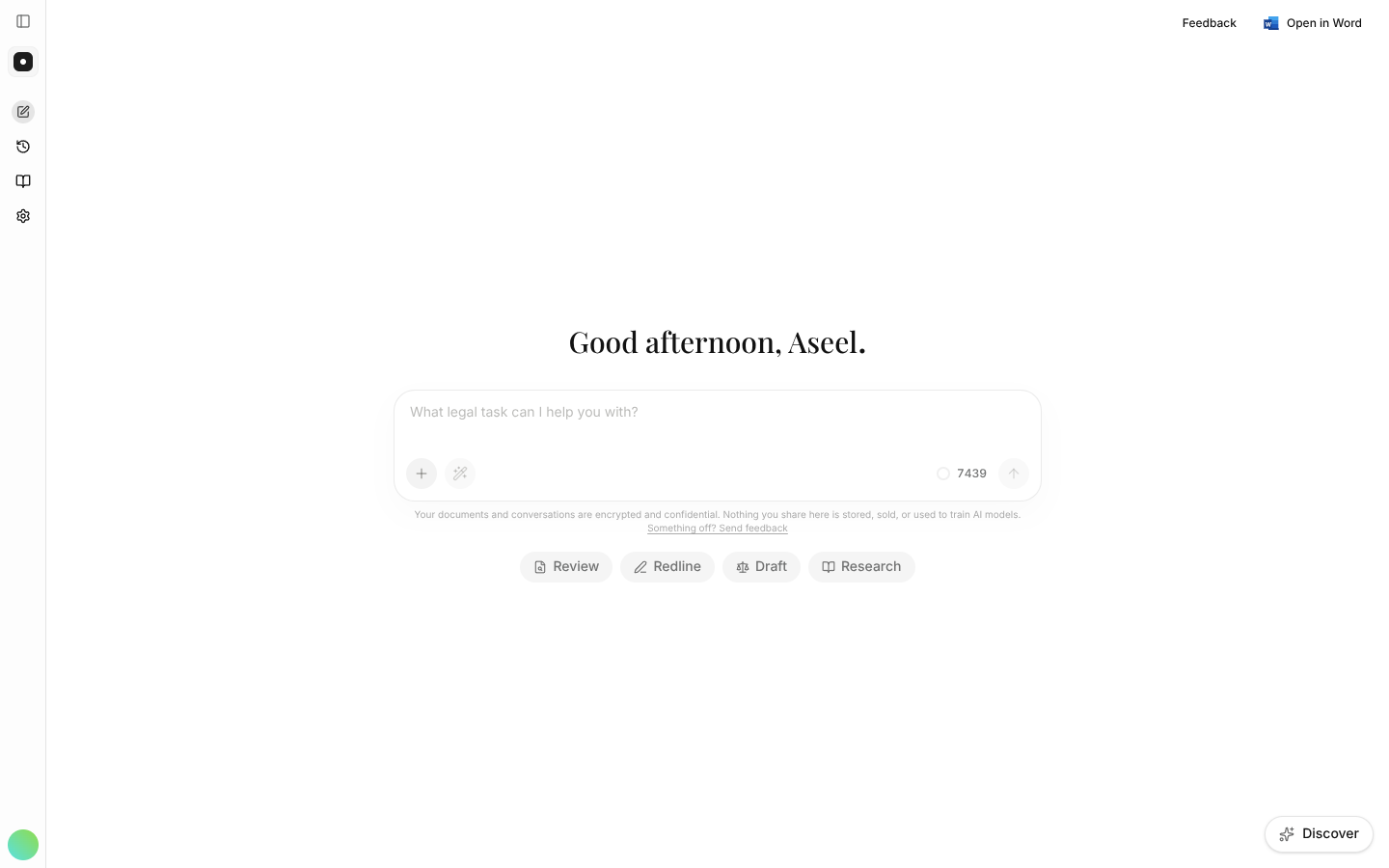
This is your workspace for the whole job: the chat on the left, and — once you add a document — the contract itself open alongside it.
Add the contract and ask
Drag your file straight onto the chat, or use the + button to choose it. When the file shows a green check, it's processed and ready. Then ask for the review in plain language. The more you tell instaSpace about whose side you're on and what you want back, the sharper the result:
Review this NDA from our perspective as the receiving party. List the top risks, any one-sided or unusual terms, and the obligations we'd be taking on. Group the findings by severity.
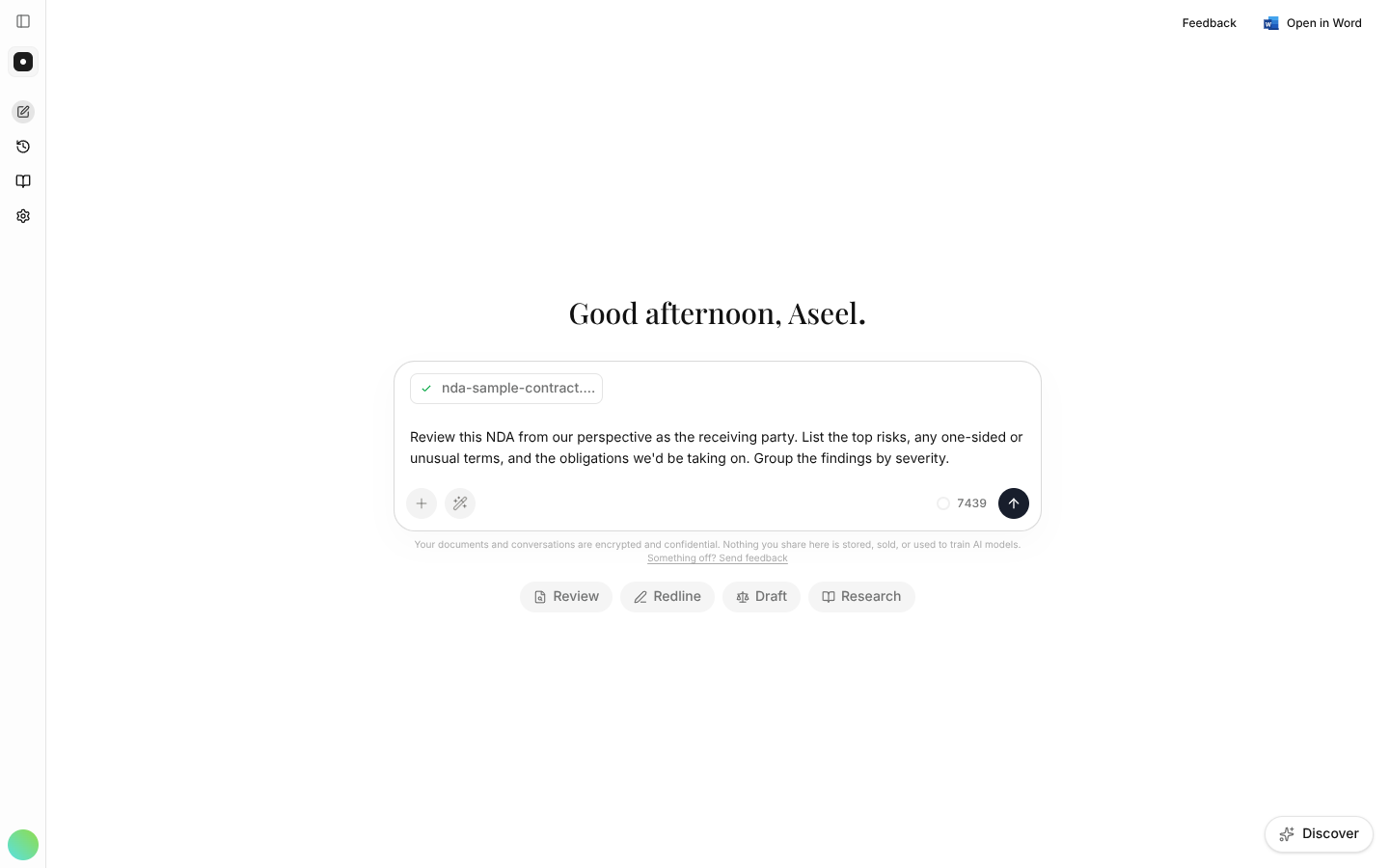
Naming the perspective ("as the receiving party", "as the lender") changes which terms count as risky — it's the single most useful thing you can add to a review prompt. More on this in Personas & roles.
Read the review — and check the sources
instaSpace works through the document and returns a structured review, grouped the way you asked. On the left you get the summary and a map of the parties; on the right, a severity-rated table of findings sitting next to the contract itself.
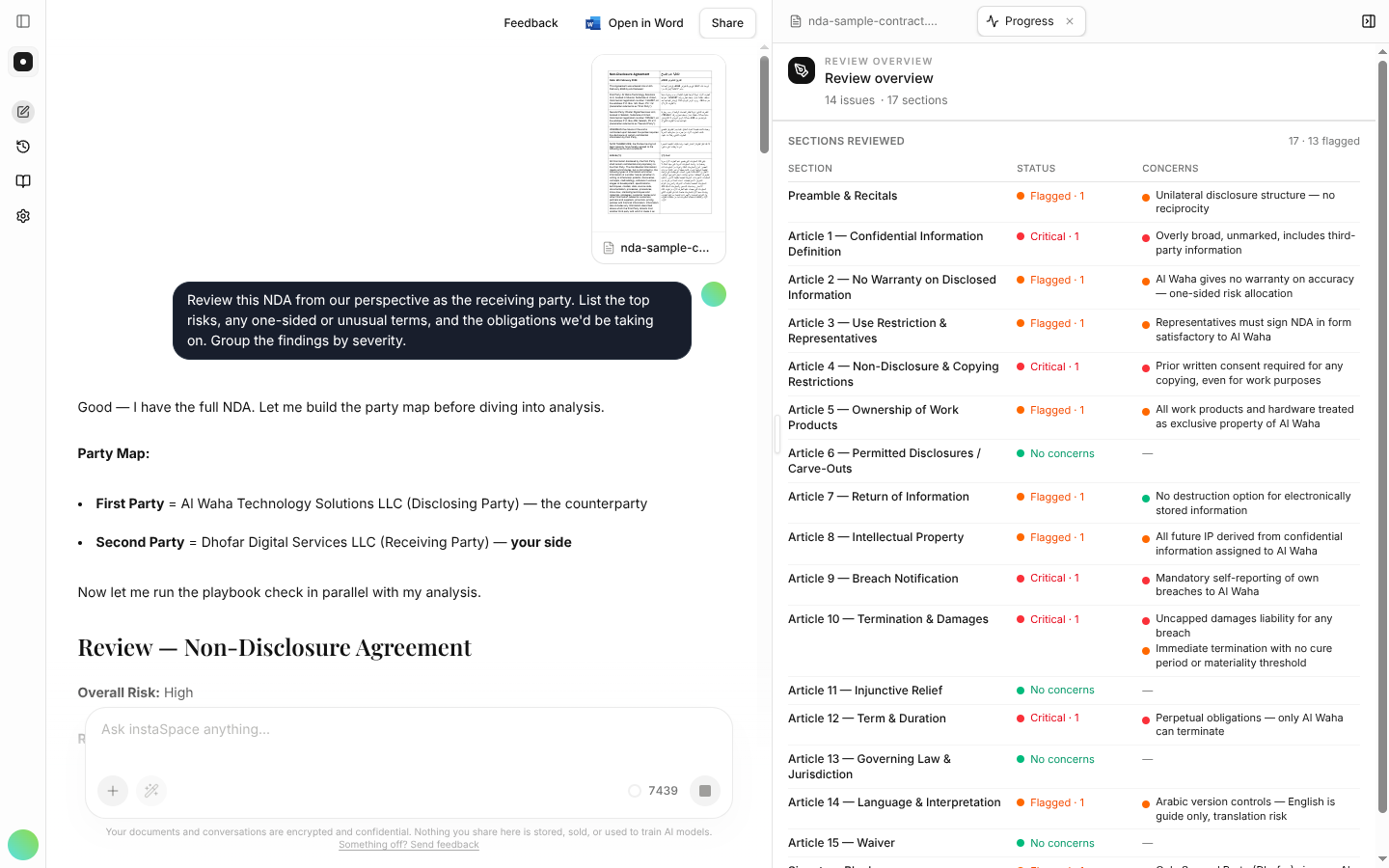
This side-by-side is the point. Every finding cites the clause it came from, so don't just read the summary — click a citation and confirm it against the actual wording. Treat instaSpace like a sharp junior who has done the first pass: fast and thorough, but still worth checking.
Take it further
The review is a starting point, not the end. Stay in the same conversation and ask follow-ups — the document and every earlier finding travel with you:
Draft a fallback position for the uncapped indemnity in section 9.
From here you can export a summary or draft to Word, save your review prompt as a playbook so your whole team runs the same review in one click, or move straight on to redlining the issues you found.
Three habits that make reviews better every time:
- State the perspective — it reframes the whole analysis.
- Ask instaSpace to group by severity or return a table for a result you can scan in seconds.
- If a finding looks off, ask "show me the exact wording you based that on" — then verify.