

What's New
Recent user-facing features and improvements across instaSpace.
A curated summary of recent improvements. For the complete, detailed history, see the product changelog.
Version 3.9 — on the document
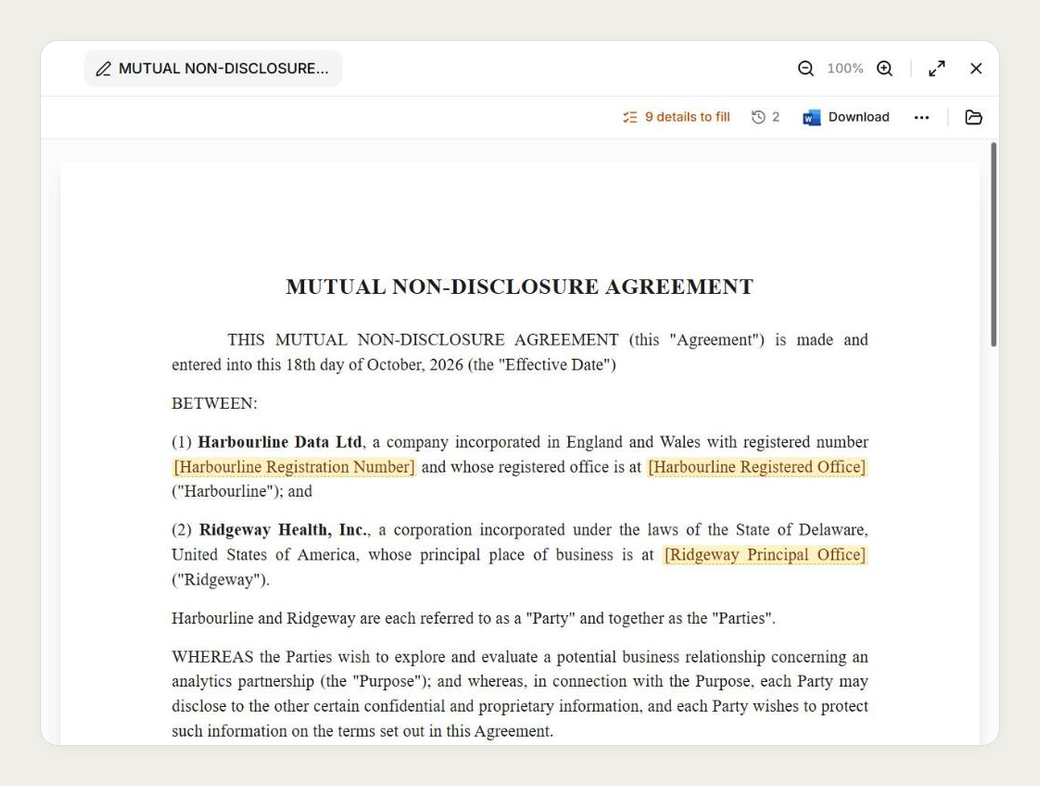
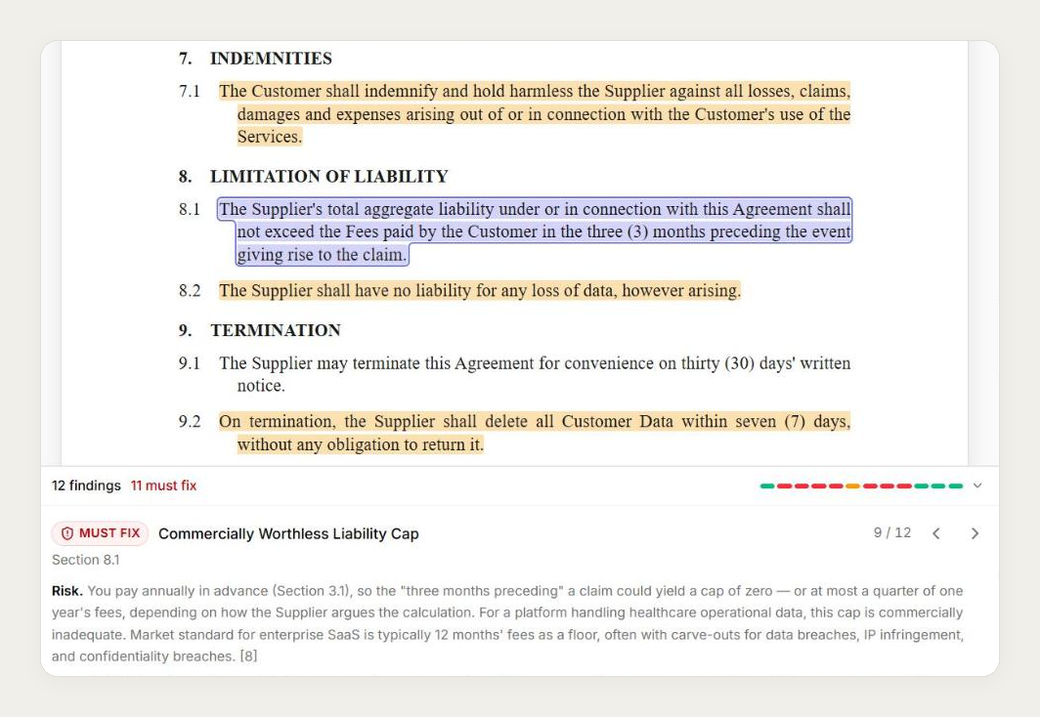
Drafting and review now happen on the document itself: a draft is the page you'll download, and a review marks every finding where it applies.
- Drafts that look like the final document. A drafted document renders exactly as the Word file it exports — the page, its one-inch margins, Times New Roman, the clause indents — in its own tab beside the chat. Version history opens as a drawer where viewing, comparing, downloading and restoring an earlier version are one click each. Zoom from 50% to 300%, and expand to full screen with the conversation still there.
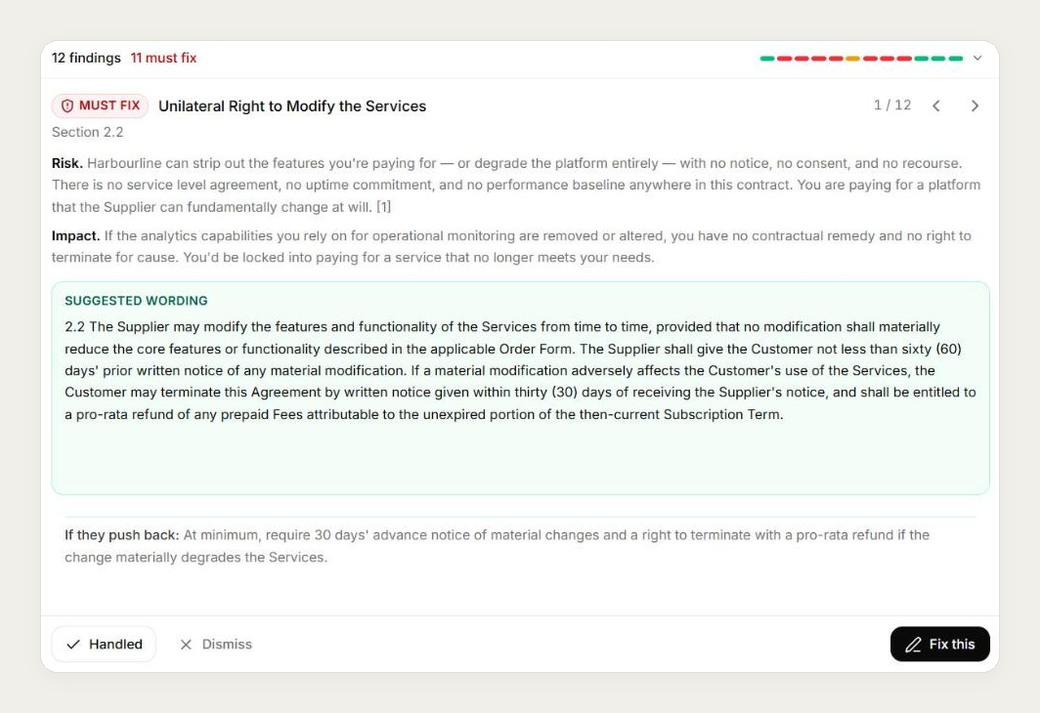
- The review, on the document. Ask for a review and the document opens with every finding marked on the passage it quotes, in document order, appearing while the review is still reading — for Word files, PDFs and drafted documents alike. A dock beneath holds each finding's risk and impact, suggested wording on paid plans, and Handled, Dismiss and Fix this, which hands the clause to a redline.
- One redline screen. Word or PDF, a redline is reviewed the same way: the change in a dock with its before and after, Accept and Reject, and the keyboard to move between changes.
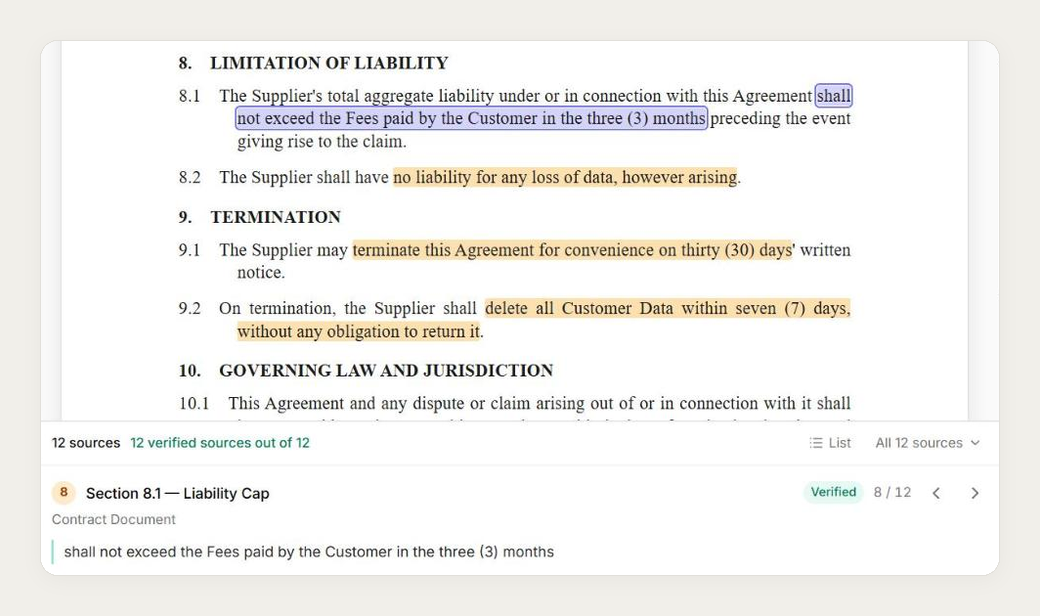
- Sources that land on the passage. A citation opens the document with every cited passage marked and numbered. A source from the vault opens on the right page with the passage highlighted, scanned PDFs included.
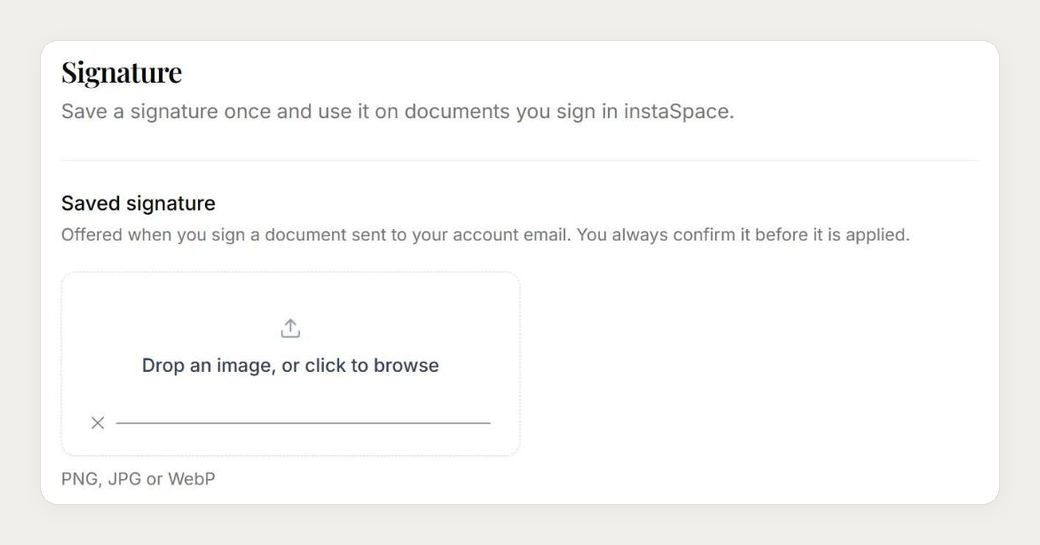
- Sign once. Save a signature in Settings → Signature, and it is already in place when you open a signing link sent to your own verified email. You still review it before signing.
- Smaller improvements. Research asks which jurisdiction applies when a question names none. Vault uploads show their progress, accept files dropped anywhere on the page, and survive a reload. The credit balance opens on a click instead of sitting on screen.
A first look
Version 3.8 — the work, organised
The largest release so far. Work now has a place to live: it arrives at a front door, becomes a matter, and is worked from there.
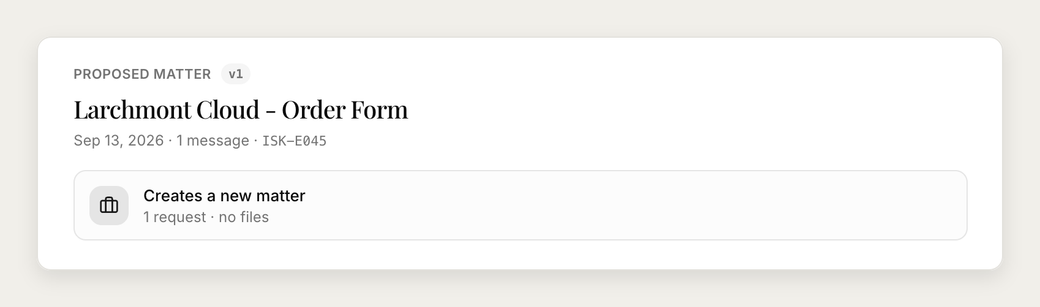
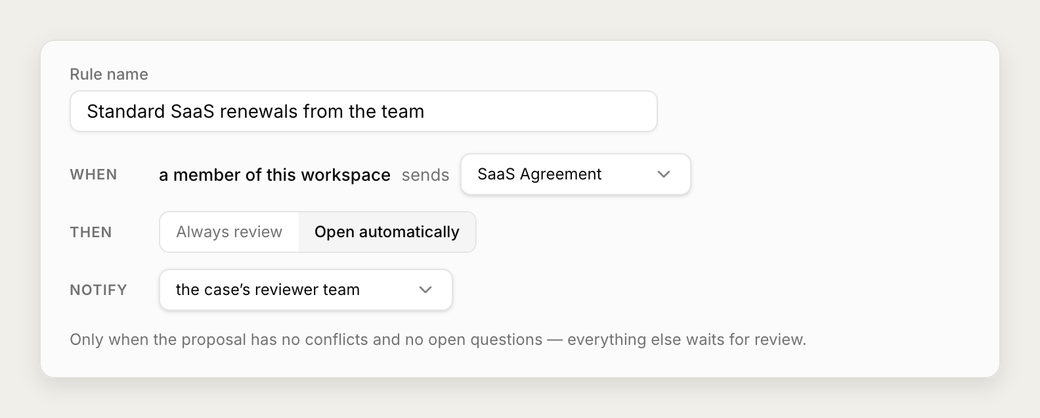
- Intake — a front door for incoming work. Mail sent to your workspace's intake address becomes a reviewable case, folded into a proposal with cited evidence that a person approves before it becomes a matter. Conflicts inside an email block approval; questions go back to the requester as a signed letter. Rules you write in advance can let clean, member-sent work of a chosen type open its own matter — and every email to the door is on the record, including the ones that never became a case.
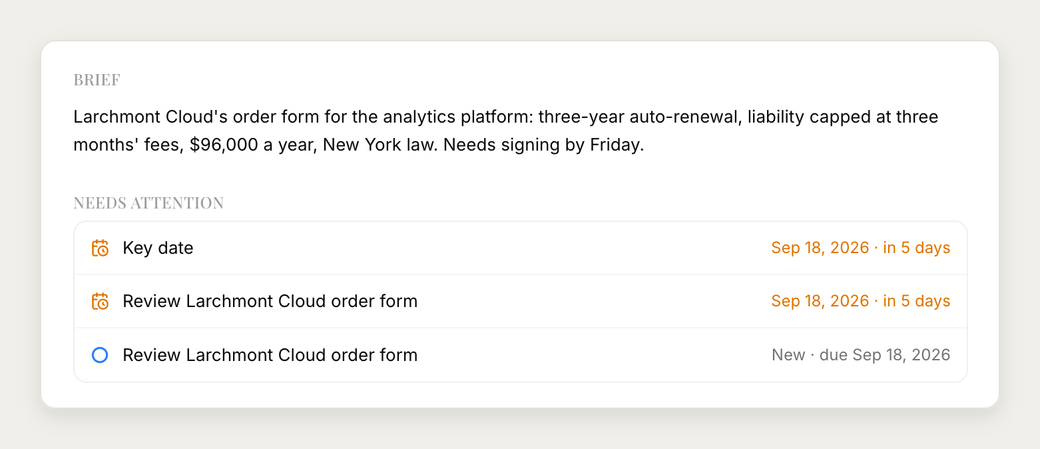
- Matters — one scope for everything. A matter gathers documents, requests, conversations and signatures in one place, with members and a lead on your side, parties on the other, the dates the work turns on, and an activity trail of every change. Open one by describing the situation in prose and letting the assistant fill in the form.
- Skills and memory — an assistant that knows how you work. Skills are standing instructions you write — positions, style, preferred sources — applied always, or scoped to a matter type or jurisdiction. Memory keeps useful preferences in mind across chats, and every entry is yours to edit or erase. Answers say which applied, and why.
- Temporary chat — ask without keeping a record. Turn a chat temporary when the question should leave nothing behind: it stays out of your history, and the assistant neither reads nor updates memory.
- Multi-document drafting. Create a coordinated set of agreements and supporting documents from one conversation, with context carried across every draft.
- Images. Attach a PNG or JPEG — a scanned page, a signed clause, a screenshot — and the assistant reads what is written in it alongside your documents.
- The credit meter. The meter beside the composer shows what you have spent and what is left on your plan, so you can see where you stand before starting a long piece of work.
A first look
Earlier
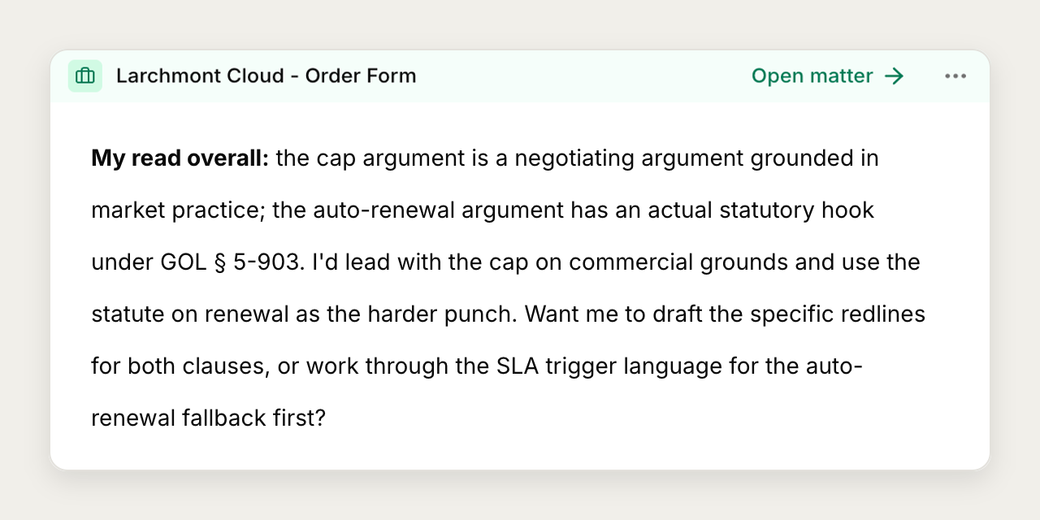
- Extract everything from your documents. Ask instaSpace to pull all the key information from one or more uploaded documents into a single, complete extract — every party, date, figure and reference — with a Download as Word button.
- Turn any answer into a Word document. When instaSpace produces a letter, memo or
draft, you can ask it to turn that into a downloadable
.docx— the wording is preserved exactly. - Build on your own work across a session. Research a point, review a contract, then ask instaSpace to draft an agreement using those earlier findings — it carries the prior work forward instead of just the last message.
- Omani legislation research (Decree). Connect your own Decree account to search authoritative, source-cited Omani legislation directly inside research and drafting. Connect from Settings → Integrations.
This page is curated from the product changelog. Check back for new highlights.