

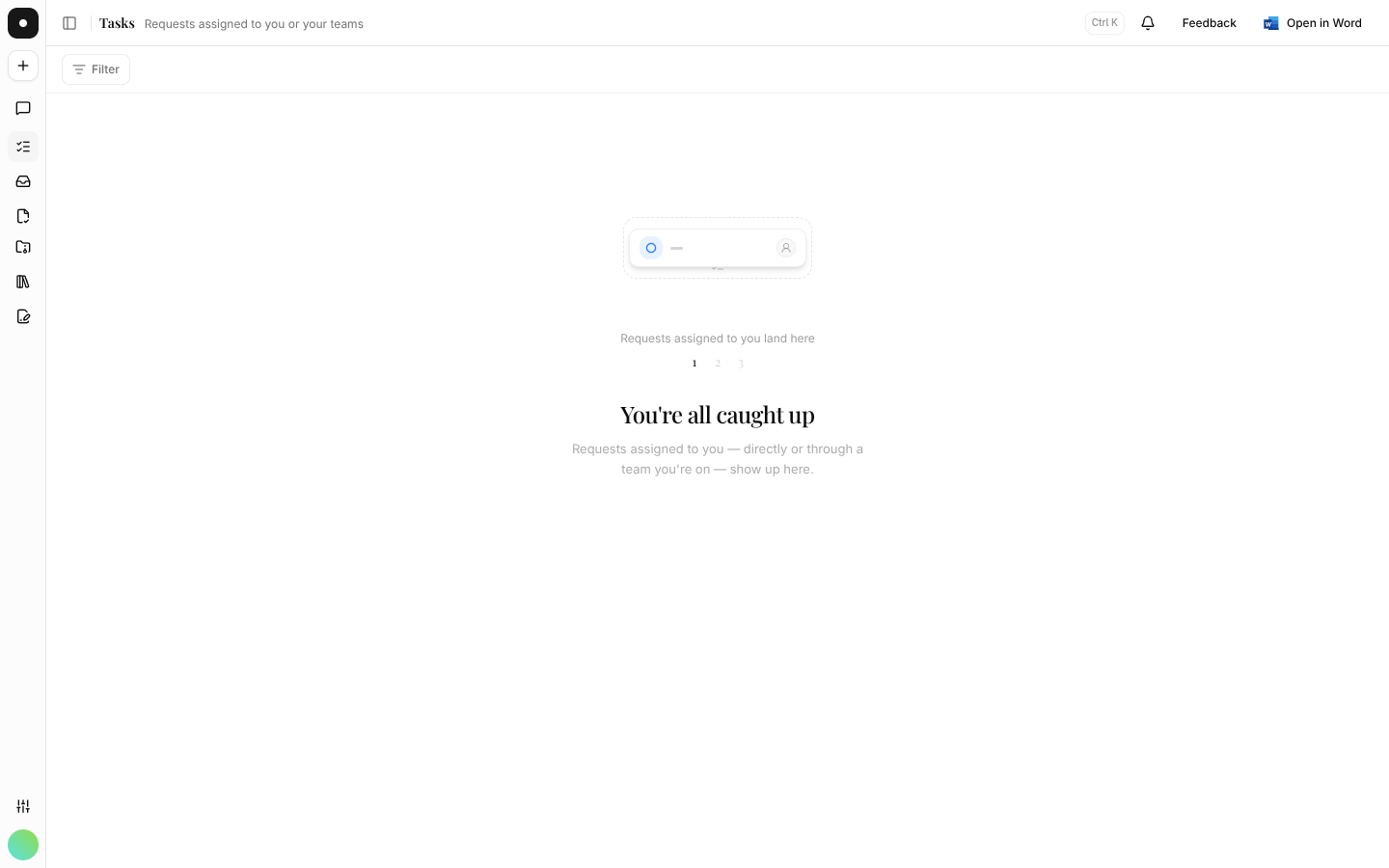
Assigned to me
Your personal work queue — everything that's yours, in the order it's due.
All requests is the whole workspace. Assigned to me is the part of it you're actually responsible for — and on most days it's the only one of the two you need open.
By the end you'll know what lands in your queue, how it's ordered, and how to work through it.
Where to look: Work → Assigned to me in the left rail.
What appears here
Every request assigned to you — directly, or through a team you're on. That second route is the one people miss: if the Commercial team is assigned to a request and you're on Commercial, it's in your queue without your name ever being typed. Leave the team and it leaves your queue.
How it's ordered
Soonest due date first, undated requests last. You can filter by status to hide what's already Done or Closed and see only live work.
Working through it
Open a request, move it to In progress so the rest of the team knows it's picked up, and use the timeline to ask questions rather than starting a separate email thread. When the work is finished, mark it Done.
If your queue is empty and you expected work in it, check whether you're on the team that's been assigned. Team membership is managed under Settings → Teams — see Teams.