

Teams
Group members into teams so you can assign work and @-mention a whole practice group at once.
As a workspace grows, "everyone sees everything" stops being the right answer. Teams let you group people by function — Commercial, Litigation, Operations — or by matter, and then treat that group as one thing: assign it a request, mention it in a comment, notify all of it at once.
By the end you'll know how to create a team, add members, and use teams to route work and notifications.
This is for owners and managers, under Settings → Teams.
Create a team
Under Settings → Teams, add a team with a clear name. The clearer the name, the easier it is for everyone to know what belongs where.
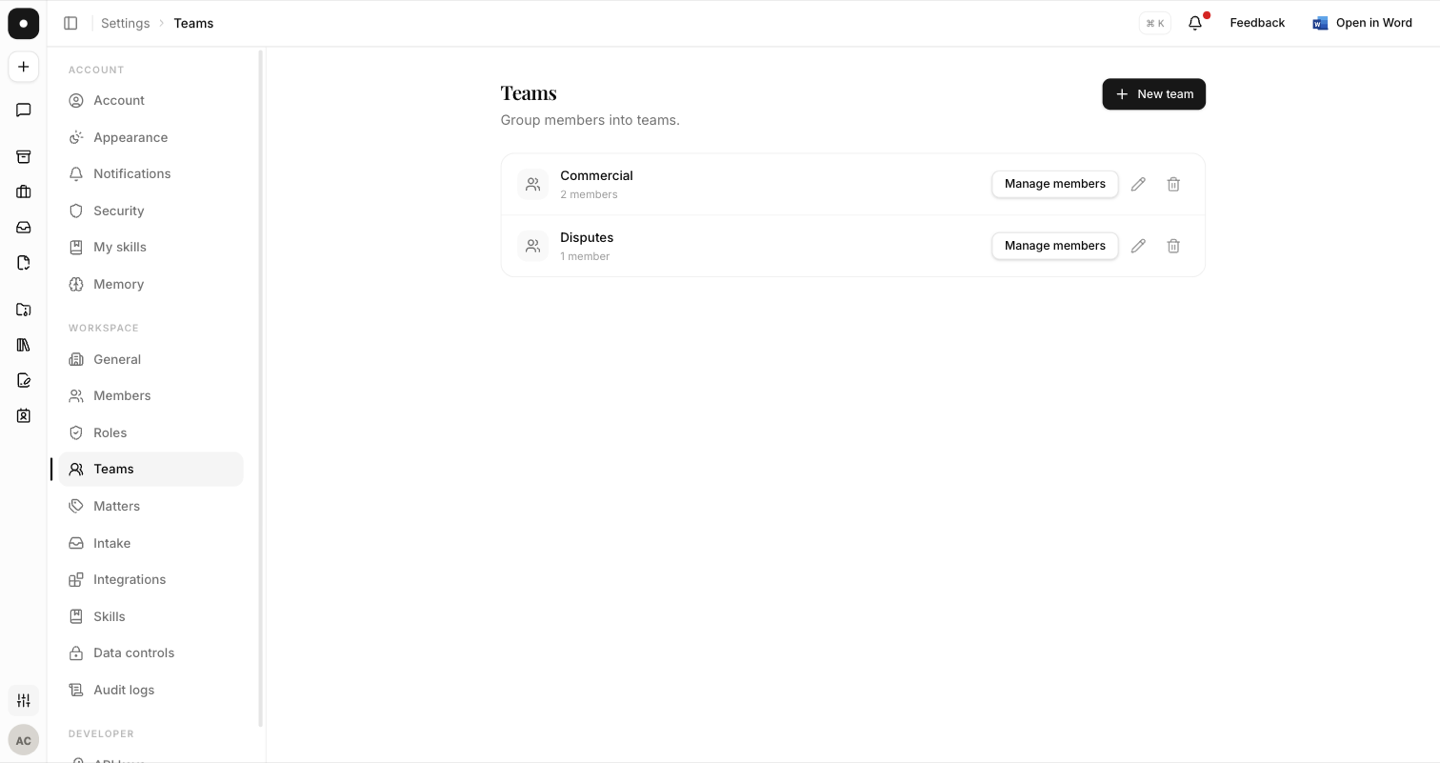
Assign work to a team, not a list of names
The point of a team is that it's a live link, not a snapshot. Assign the Commercial team to a request and the request's effective assignees are its direct assignees plus whoever is on Commercial right now. Someone joining next month picks up the commercial queue automatically; someone leaving stops seeing it. Nobody has to remember to reassign anything.
Every member of a newly assigned team gets the same assignment notification an individual assignee would, and the assignment is recorded on the request's timeline.
Mention a whole team
Type @ in a request comment — or in the description when raising one — and the
autocomplete offers both members and teams. Mentioning a team notifies every member of it,
over whichever channels each of them has left on.
The two mention notifications are deliberately separate: Mentions covers comments, and Mentions in new requests covers the description of a request being created, because there's no comment to link back to. Each is tunable per channel under Settings → Notifications.
Mirror how your firm already works. Teams that match your real practice groups need far less explaining than ones invented for the tool — and people notice immediately when a request lands with the wrong group.
Someone can be on more than one team
Overlap is normal and expected. A commercial lawyer who also covers data protection belongs on both; they'll see requests assigned to either.
What's gated by plan
Sub-teams are a workspace feature — they need a Team or Enterprise plan. See Plans & seats.