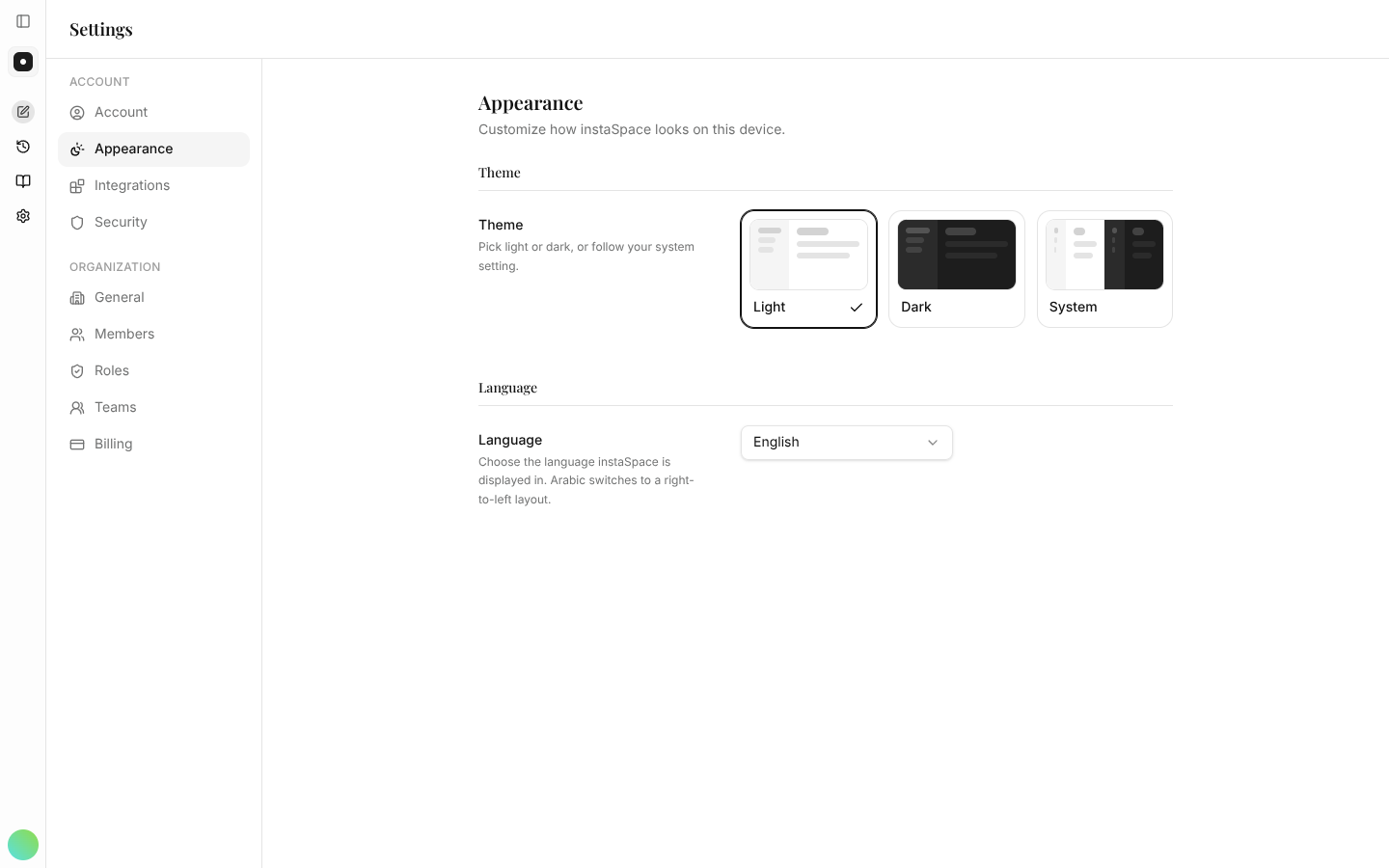
Appearance & languageSwitch between light and dark themes and choose your interface language.Appearance settings control how instaSpace looks and the language of the interface. Settings → Appearance. Options Theme — choose light, dark, or match your system. Language — set the interface language. Related Account & profileYour name, role and preferences.