

Lesson 55 of 55
Sessions & devices
Review where you're signed in, and revoke access you no longer recognize.
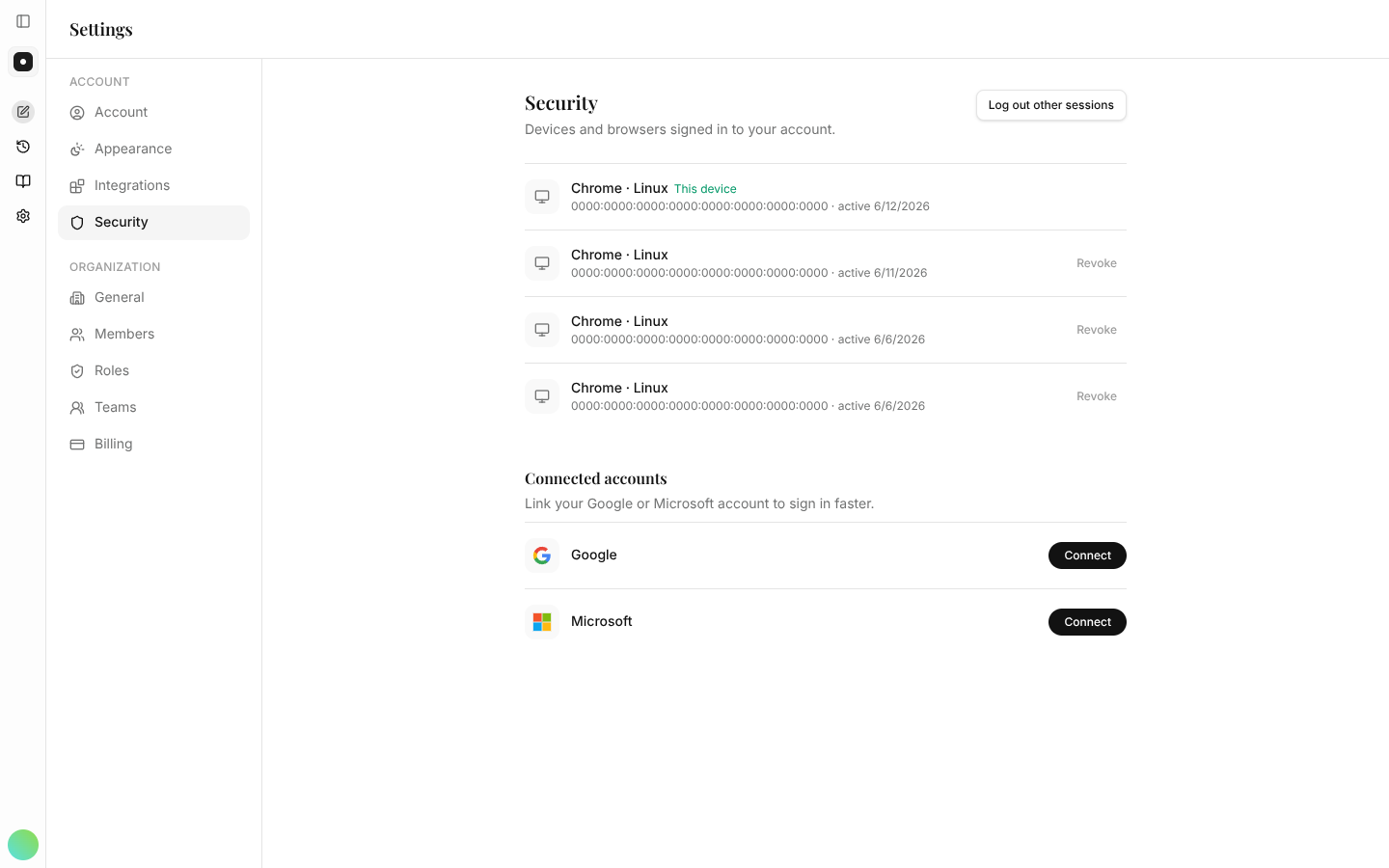
Your security settings show everywhere your account is signed in — so if you ever spot a session you don't recognize, you can end it in one click.
What you can do here
- Review active sessions — see the devices and browsers signed in to your account.
- Revoke a session — sign out a device you no longer use, or don't recognize.
- Manage connected accounts — review the Google or Microsoft accounts linked for sign-in.
If you ever suspect your account is compromised, revoke the other sessions here and tell your workspace admin. It takes seconds and cuts off access immediately.
You've reached the end of the path
Nicely done. Keep the feature reference handy for anything you need to look up.