A guided course for legal teams
The instaSpace Handbook
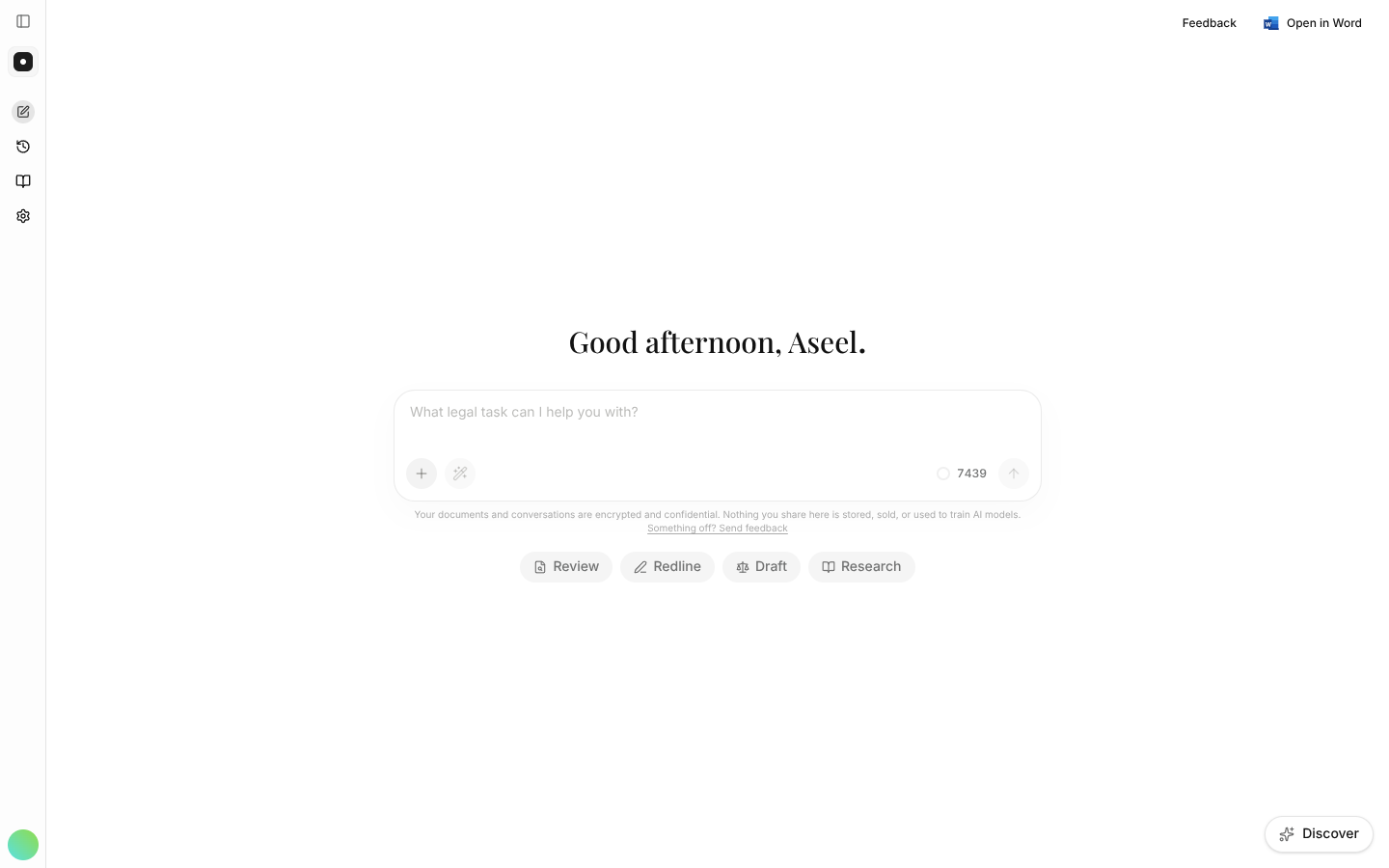
A short, guided path from your first contract review to rolling instaSpace out across your firm. Real screens, plain language, at your own pace.
12 chapters · 55 lessons · about 180 minutes, at your own pace
The path
12 chapters, start to finish
Work through them in order, or jump to the chapter you need. Your place is saved as you go.
Your progress
0 of 55 lessons
- 01
Get oriented
What instaSpace is, how to sign in, and the one-minute setup — before you touch a contract.
- What is instaSpace?A two-minute orientation to the four jobs it speeds up.2 min
- Signing inCreate your account with email, Google or Microsoft.2 min
- Your first sessionFinish setup so instaSpace tailors itself to your work.3 min
- The getting-started checklistSeven steps in the sidebar that tick themselves off as you work.3 min
- Habits worth buildingA few habits that make every answer sharper.3 min
- 02
Your first wins
The core of the job — review, redline, draft and research — each from upload to a result you can act on.
- 03
Work faster
Reuse your documents and your best prompts so the second matter is quicker than the first.
- Using the VaultStore and reuse documents without re-uploading.3 min
- Building a playbookTurn a great prompt into a one-click workflow.4 min
- Writing good promptsThe single biggest lever on output quality.4 min
- Personas & rolesTell instaSpace whose side it's on.3 min
- Formatting your requestsGet tables, summaries and the exact shape you want.3 min
- 04
Open the front door
Let the work arrive on its own — an intake address that turns email into a reviewable case, and a matter once you approve it.
- How intake worksFrom an email at the door to an open matter, and the statuses in between.4 min
- Setting up the doorYour intake address, who reviews what arrives, and how letters are signed.3 min
- Reviewing a caseRead the proposal, check its evidence, resolve conflicts, decide.5 min
- The mail ledgerEvery email to the door — including the ones that never became a case.3 min
- Auto-open rulesLet clean, member-sent work of a chosen type open its own matter.4 min
- 05
Organise the work
Give every piece of work one home — documents, requests, conversations and signatures in a single scope.
- What a matter isThe six tabs, the facts panel, and what a matter holds.4 min
- Opening a matterDescribe it in prose, start blank, or start from a type.3 min
- Filing work into a matterMove a conversation and its documents into the right scope.3 min
- People & partiesWho's working on it, who it's against, and the dates it turns on.4 min
- Matter types & checklistsYour own categories, and the starter requests they open with.3 min
- 06
Track requests
Put the work your colleagues ask for into one queue — raised, triaged, owned and tracked to done.
- How requests workThe queue, the four statuses, and the trail each request keeps.3 min
- Raising a requestSubmit work with the context that makes it actionable.3 min
- Triage & assignmentPrioritise, assign a person or a whole team, drive it to done.4 min
- Assigned to meYour personal queue, ordered by what's due.2 min
- 07
Make it yours
Teach the assistant your standing positions, let it remember how you work, and switch both off when a question should leave nothing behind.
- 08
Get it signed
Take an agreement from a filled draft to a sealed executed copy — prepared, circulated and tracked in one place.
- 09
Connect your integrations
Bring your documents and legal sources into instaSpace — connect cloud storage and your legal research databases.
- 10
Work inside Word
Bring the assistant into Microsoft Word so you can review and redline without leaving your document.
- 11
Run your workspace
For owners and managers: size the plan, bring colleagues in, decide what each can do, and keep a record of it.
- Plans & seatsTeam plans, the shared credit pool, and what they unlock.4 min
- Setting up your workspaceName your workspace and configure the basics.3 min
- Inviting your teamAdd members and assign their roles.3 min
- Roles & permissionsEdit what Manager and Member can do.3 min
- TeamsGroup members to route work and mentions.3 min
- Matter typesClassify work in your firm's own language.2 min
- Chat visibilityDecide who can see members' chat threads.2 min
- Audit logsAn append-only record of who did what.3 min
- Rolling out to your firmA practical four-week adoption plan.5 min
- 12
Trust & security
How instaSpace protects your documents and conversations — the answers your risk team will ask for.
- Security overviewThe short version of how your data is handled.2 min
- Access controlRoles, permissions and least-privilege access.2 min
- Data protectionHow your content is handled — and never used for training.2 min
- Single sign-on (SSO)Sign in with your identity provider.2 min
- Sessions & devicesReview and revoke active sign-ins.2 min