

People & parties
Members and leads on your side, parties on the other, plus key dates and related matters.
A matter distinguishes between the people working on it and the people it is about. Both are recorded, and they do different jobs.
By the end you'll know how membership works, why naming parties matters for conflict checks, and what key dates and linked matters are for.
Where to look: the People panel on any matter.
Members — your side
Creating a matter makes you its lead. From there you can add individual workspace
members or a whole team; someone who is on the matter through a team is shown as
via <team>, so it's always clear why they have access.
| Role | What it means |
|---|---|
| Lead | The person answerable for the matter. |
| Member | Working on it, added directly or through a team. |
The matters list can be filtered to My matters, which reads membership — so the filter is only as useful as the membership is accurate.
Parties — the other side
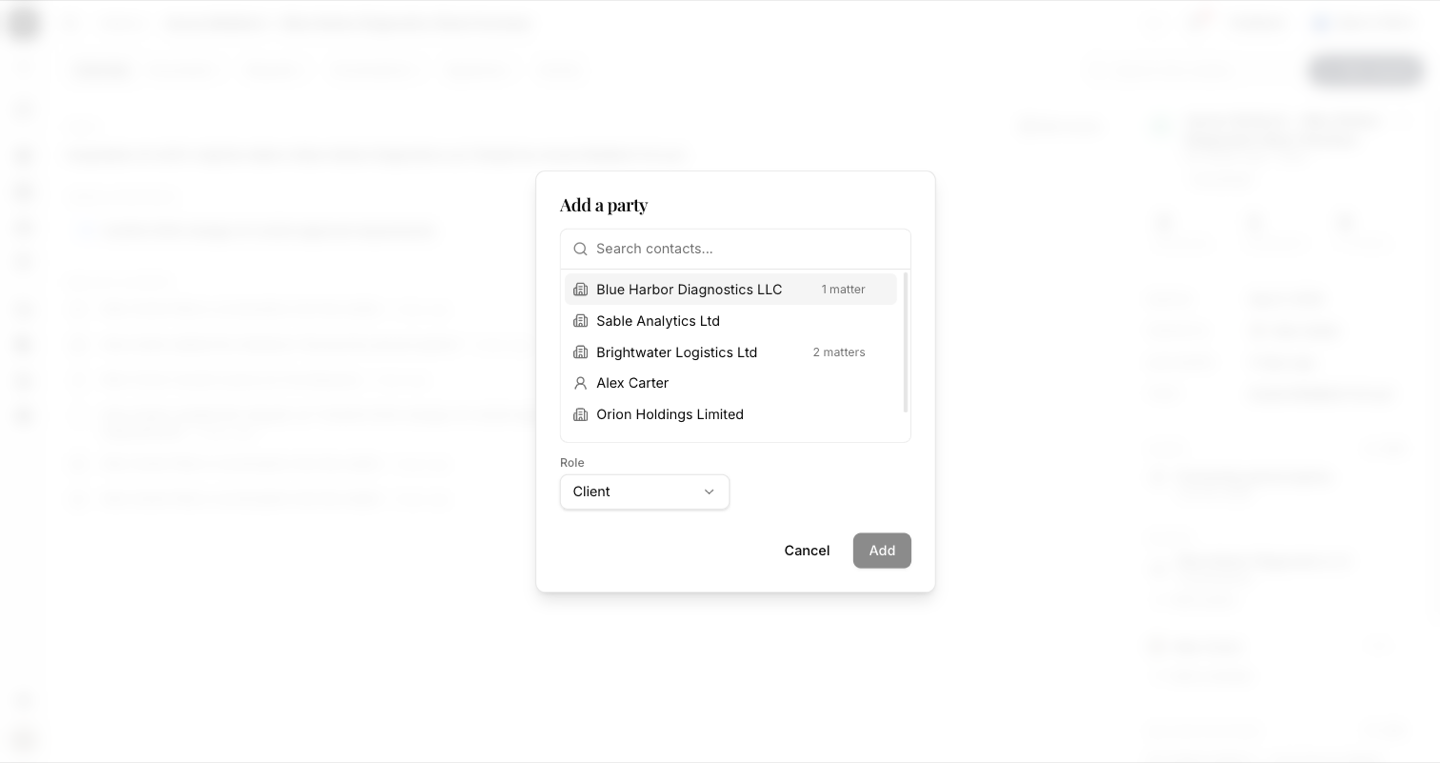
Parties are the client, the counterparty, and their counsel. Each is added with a role, and roles can be named freely when the standard ones don't fit.
This is what the conflict check reads. A matter with a populated Client field but no named parties will not surface when someone opens a new matter against the same counterparty. Naming both sides is what makes the check work.
A matter opened from intake names both sides automatically: the proposal asks for the client and the counterparty separately, and approving it matches each against your existing contacts or adds them to the directory.
Key dates
The Dates panel records the dated milestones a matter turns on — "Landlord's works complete", "Signing", "Longstop". Each is a label and a date. The nearest one also appears in the Overview's Needs attention panel, counted in days, so an approaching date shows up without anyone having to look for it.
Related matters
Related matters links one matter to another — a supply agreement and the dispute that grew out of it, a parent transaction and its three subsidiaries. It's one hop, nothing more: no permissions are inherited and nothing is merged.
Everything is recorded
Every change here lands in the matter's Activity tab in plain language — "Layla added Beacon Systems as counterparty", "Omar added the milestone 'Signing'", "the assistant filed a conversation into the matter". Changes proposed by the assistant are labelled as such.