

Using the Vault
Store, organize and reuse your documents — without re-uploading them every time.
The first time you review a contract, you upload it. The Vault is what makes the second time effortless: a secure home for your documents, so you can pull a template or a frequently-reviewed agreement into any conversation without hunting for the file again.
By the end you'll know how to store documents in the Vault and reuse them in a task.
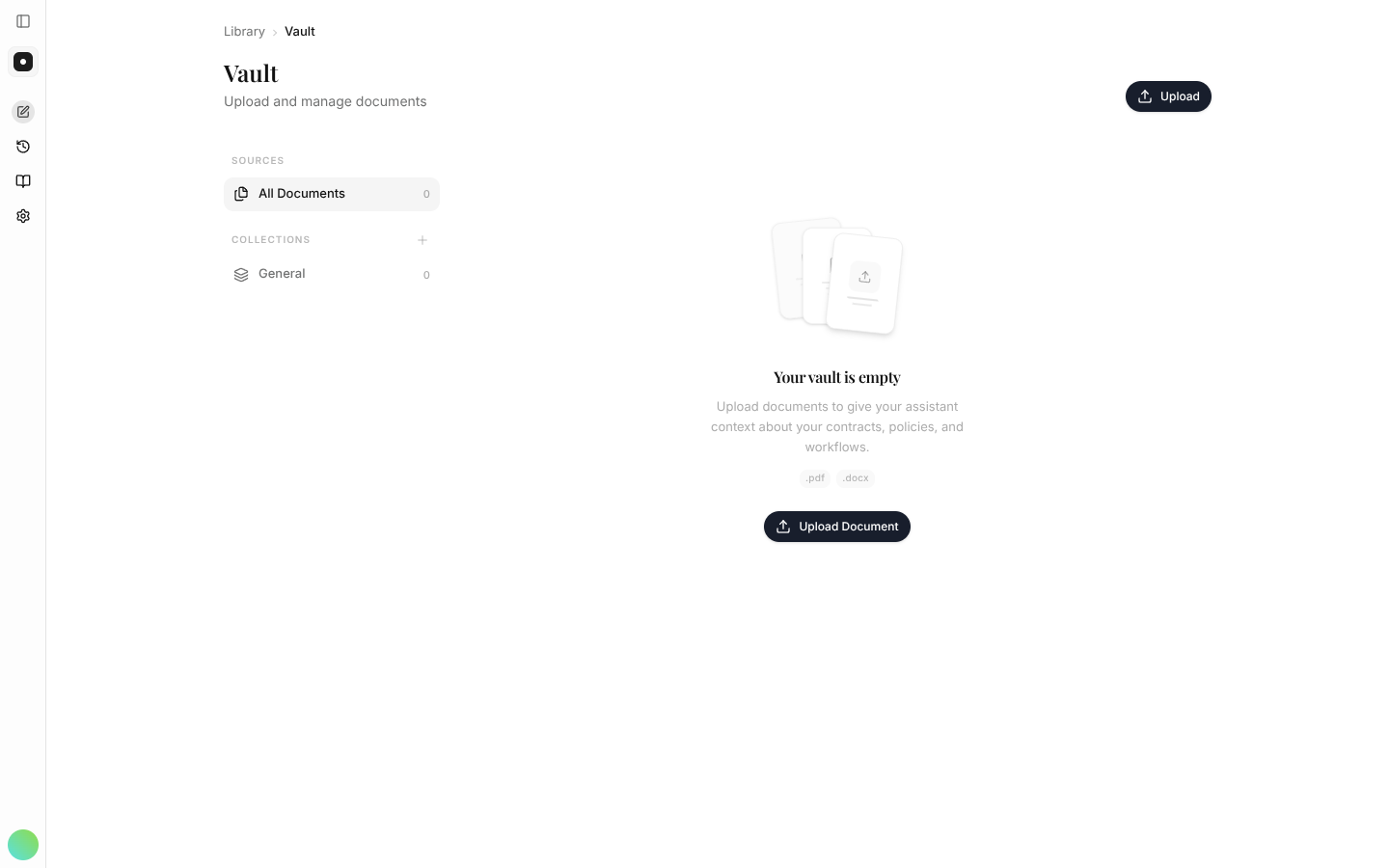
Where to look: Library → Vault in the left rail, alongside Playbooks and Signature templates.
Find it in the left rail
The rail groups everything you'll reuse under Library — your Vault (saved documents), your Playbooks (saved workflows) and your Signature templates. Open Vault directly; there's no hub page in between.
Add and organize documents
Open the Vault and upload the files you return to — templates, standard NDAs, prior agreements. Keep related documents together so they're easy to find later. You can also connect cloud storage so documents flow in automatically, instead of being uploaded one by one.
Use a Vault document in a task
In the assistant, attach a document straight from the Vault instead of uploading it again. This is where the time saving lands: your house templates are one click away, every time you draft or review.
Keep your firm's standard templates in the Vault. When you draft or redline, point instaSpace at one of them and the output starts from your language, not generic boilerplate.