

Your first session
Finish the one-minute setup so instaSpace tailors itself to your work.
The very first time you sign in, instaSpace runs a brief setup. It is two screens and takes under a minute, and it's worth doing properly: your answers shape how instaSpace pitches everything it gives you afterwards.
Screen one — who you are
What should we call you?
Your name. This is the only thing the screen insists on, and it's what the assistant greets you with from then on.
Your role — optional
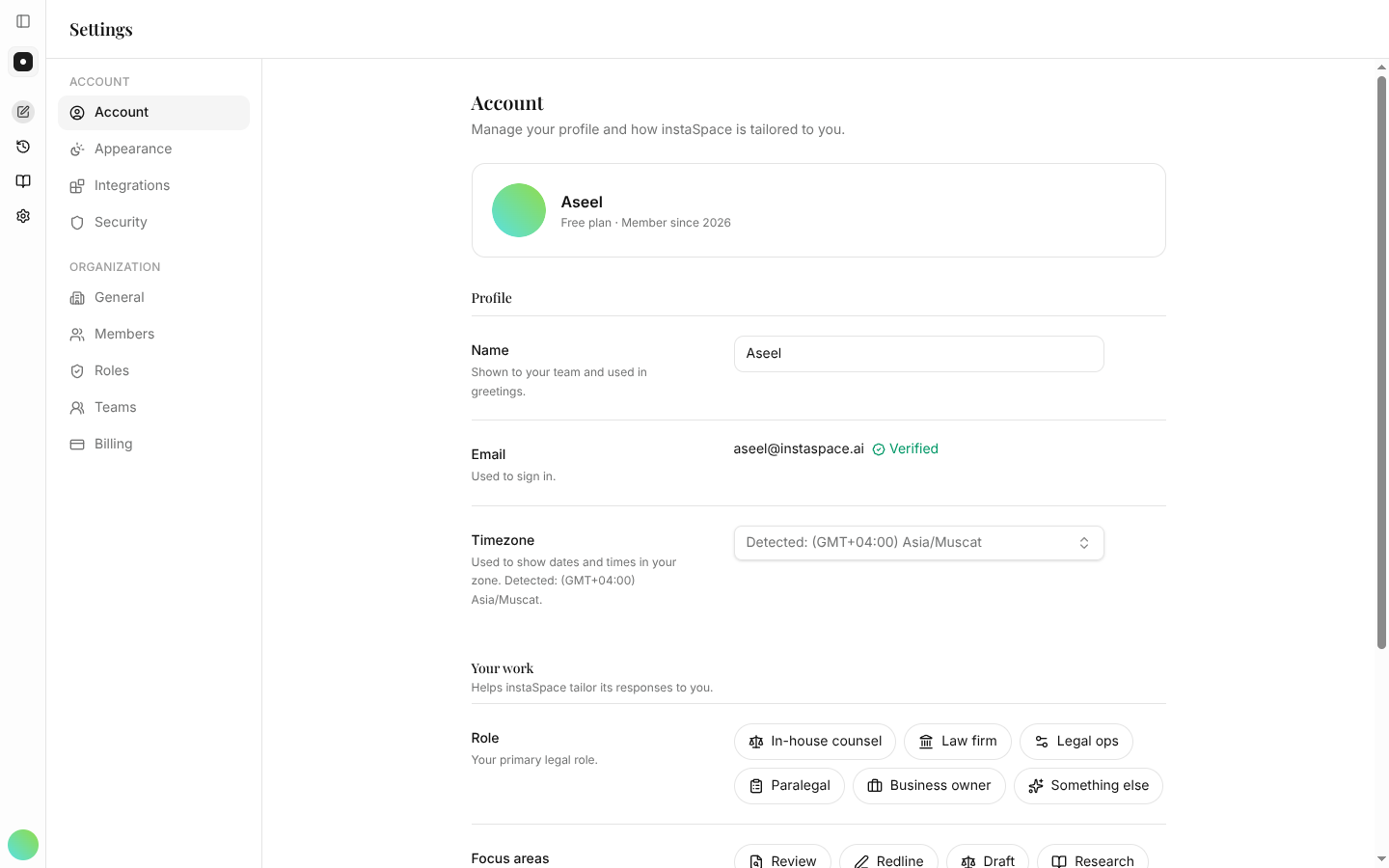
Pick one: In-house counsel, Law firm, Legal ops, Paralegal, Business owner, or Something else. It sets the level answers are pitched at.
What you'll do here — optional
Pick as many as apply: Review, Redline, Draft, Research. Beyond tailoring answers, the first one you choose decides which prompt is pre-filled for you on the next screen.
Screen two — start with something real
The second screen offers three ways out, and none of them is wrong:
- Drag a contract in, or browse — PDF or Word. It opens straight in the chat, with a prompt already written for the kind of work you picked. Chose Redline, and it arrives as "Please redline this document with proposed changes and rationale for each edit."
- Or try an example — loads a Sample doc so you can see a full review without uploading anything of your own.
- I'll explore on my own — skips straight to the assistant.
Nothing here is a commitment. Skipping the upload doesn't lock anything, and the sample is the fastest way to see a real result before you put a real contract in.
You can change it later
None of this is locked in. Your role and focus areas live in Settings → Account, under Personalization — update them whenever your work changes.
With setup done, you land in the assistant — and a getting-started checklist appears in the left rail to carry you through the rest.