

Matter types
Classify work using your firm's own categories, not ours. Previously called contract types.
Every legal team already has names for the work it does — and they're rarely the same names another team uses. Matter types are the workspace's own list of those categories, used to classify matters and the requests raised against them.
These were called contract types, and the settings page is now Settings → Matters. The list itself is unchanged — nothing you classified has moved.
By the end you'll know how to add, rename, reorder and archive matter types, and what archiving does to work already classified.
This is for owners and managers, under Settings → Matters.
Configure your list
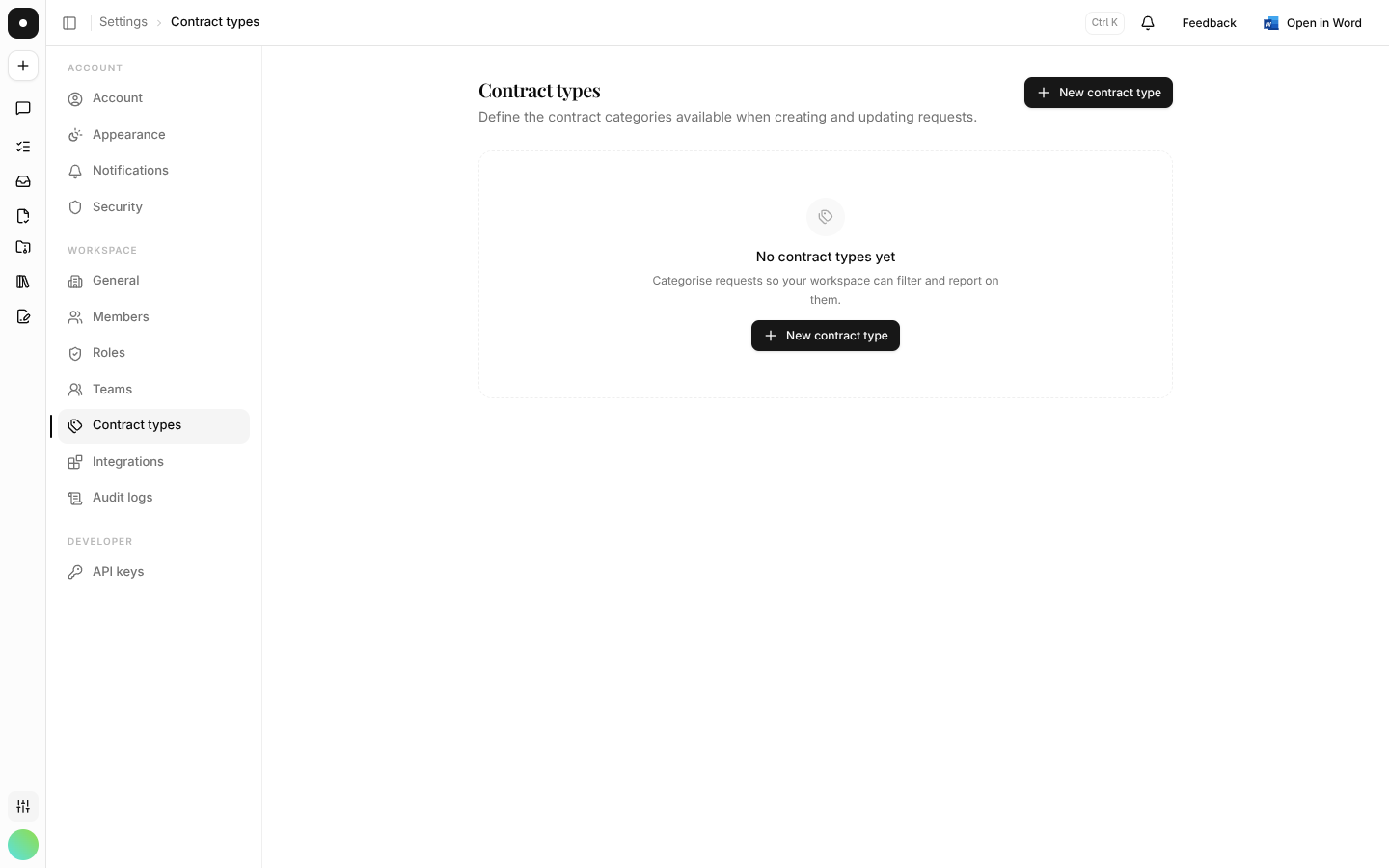
Types can be renamed, reordered and archived. Reordering matters more than it sounds: the order here is the order in the picker, so putting your three most common types at the top removes a scroll from every request anyone raises.
Create one without leaving the work
A type can also be created inline from a request, when the right category turns out not to exist yet. That's deliberate — the alternative is people picking "Other" forever because stopping to edit settings mid-triage isn't worth it.
Archiving keeps history honest
Archiving removes a type from the picker for new work but leaves it visible on work that already carries it. A contract classified last quarter doesn't silently become unclassified because the category was retired this quarter.
What a type now carries
Beyond the name, a type can hold a starter checklist — request titles a new matter of that type offers to create — and can scope a skill. Both are covered in full under Matter types & checklists.
Permissions
Contract type management is its own resource in the role matrix — so you can let a role use types during triage without letting it rename or archive them. Changes are recorded in the audit log.