

Connecting with a lawyer
Ask the assistant to put you in touch with a lawyer, for a matter in any country, and send the request it writes for you.
Some questions need a practitioner, not just a draft. Ask instaSpace to put you in touch with a lawyer and it writes the request for you from the conversation you're already in — for a matter in any country, in English or Arabic. You check it, choose how you'd like help, and nothing is sent until you agree.
By the end you'll have sent a request to a lawyer, with the documents you chose to share.
You'll need a signed-in account, in a regular chat. The request can't be sent from a temporary chat.
Ask for a lawyer
In any conversation, say you'd like a lawyer:
I'd like to be put in touch with a lawyer.
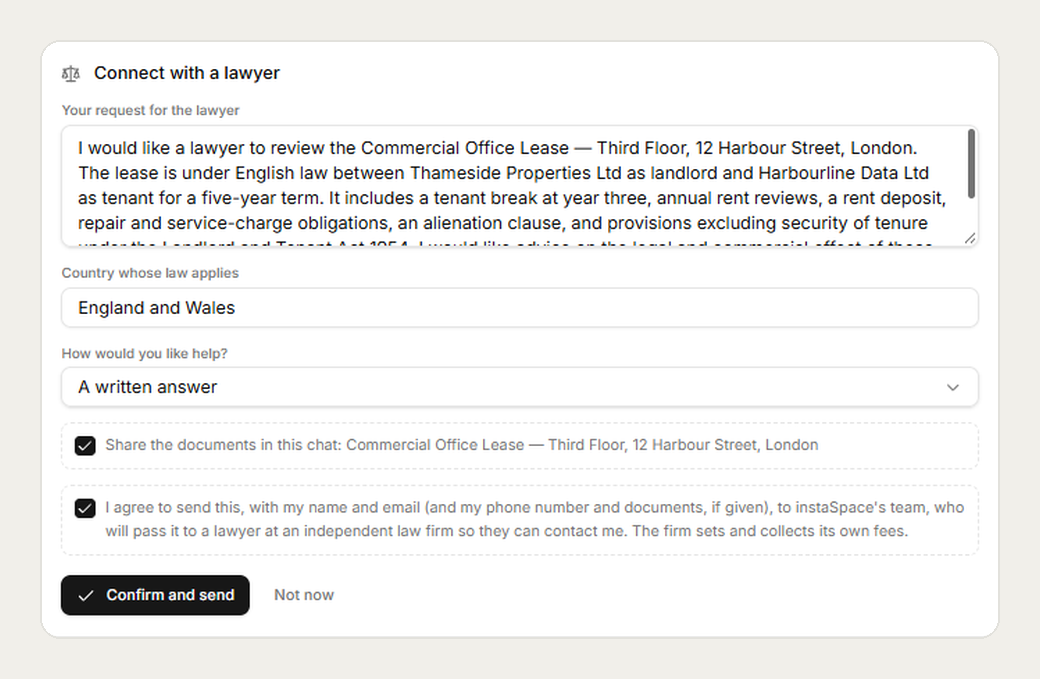
The assistant answers with a Connect with a lawyer card. It works the same way in the web app and in Word.
Or start from a draft
Under a document you've drafted, the right panel shows Draft it here. Have a lawyer review it. Press Connect with a lawyer and the assistant asks for that document to be reviewed, so the card opens with the document already ticked to share.
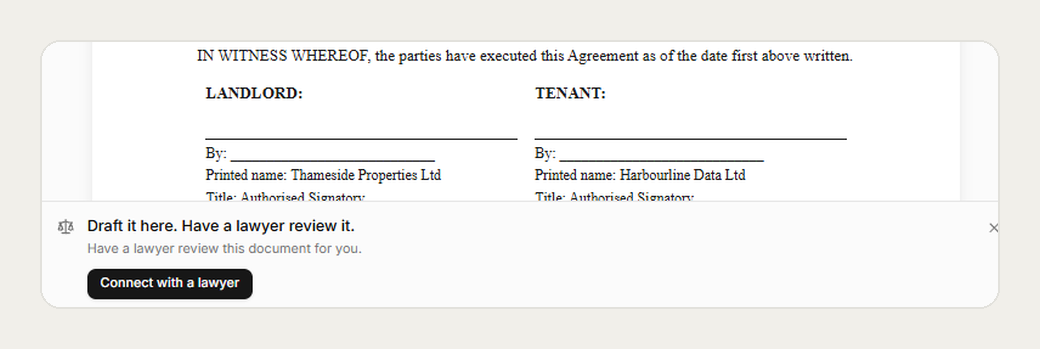
Don't need it? Close the banner with Don't show this again and it stays gone.
Check the card
Everything on the card can be changed before it goes:
- Your request for the lawyer. A short brief in your own words: your question, plus the facts your conversation has already established.
- Country whose law applies. Filled in when the conversation made it clear. Correct it if it isn't the country you mean.
- How would you like help? A written answer, A phone call or A meeting.
- Phone number. Appears only for a call or a meeting. Include your country code, for example +968 9123 4567.
- Share the documents in this chat. Leave it unticked and no document is shared.
Send it
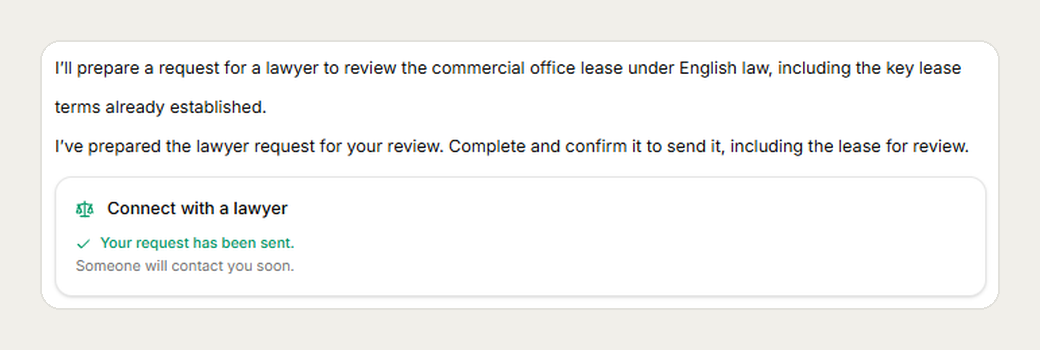
Tick the consent box and press Confirm and send. Until you do, nothing leaves instaSpace; Not now puts the card away.
What happens next
instaSpace's team passes your request — with your name and email, and your phone number and documents if you gave them — to a lawyer at an independent law firm, who contacts you directly. The firm sets and collects its own fees.
- The more the conversation has established, the better the brief: ask once you've explained the situation, not before.
- Read the brief before you send it. It goes to a lawyer as written.
- Share only the documents the lawyer needs.