

Temporary chat
Ask a question that leaves nothing behind — out of your history, and untouched by memory.
Some questions shouldn't leave a trail. A temporary chat stays out of your history, and the assistant neither reads nor updates memory while you're in one.
By the end you'll know how to start one, what it does and doesn't keep, and who can switch the feature off.
Where to look: the clock control in the chat header.
Starting one
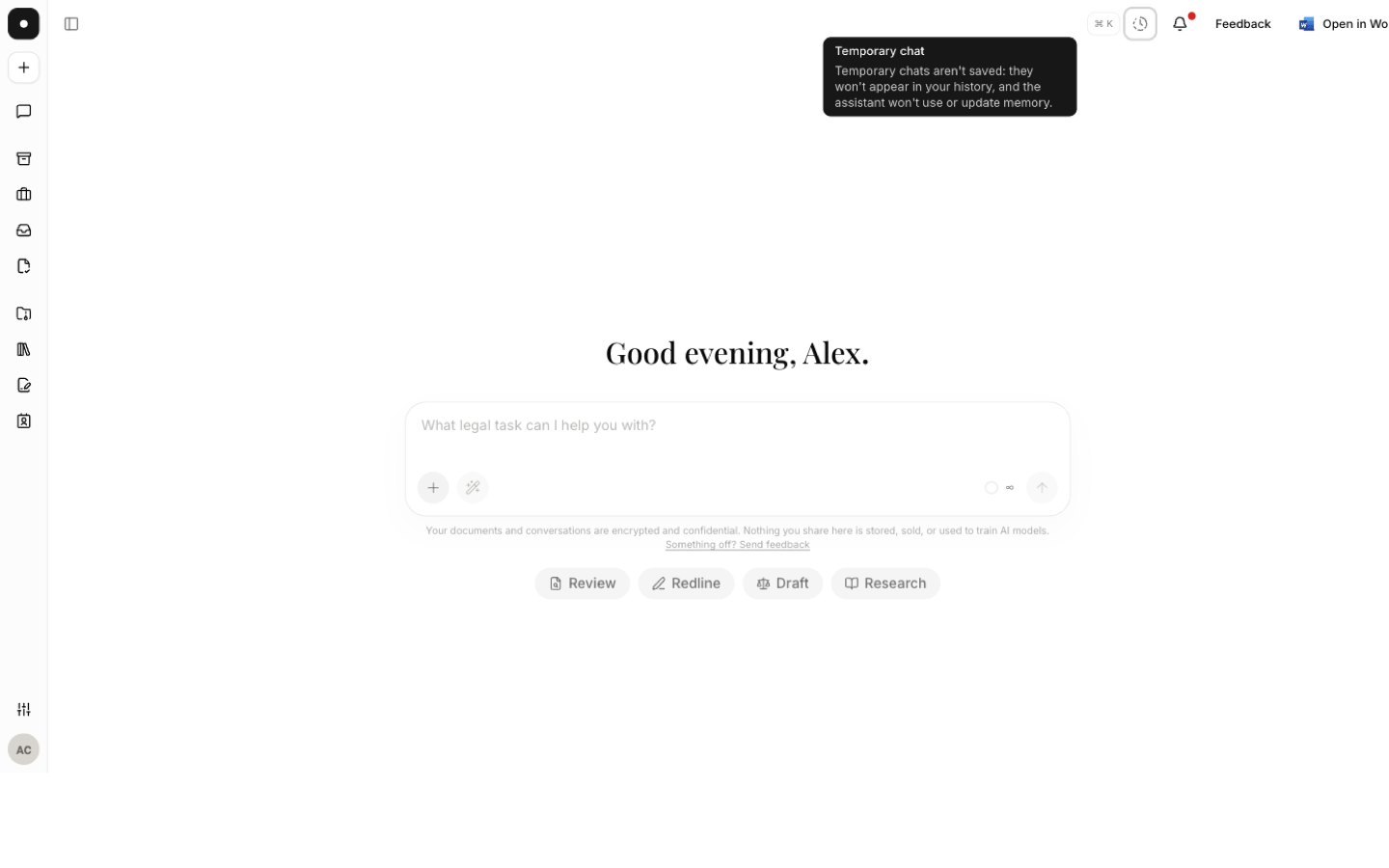
Two routes, same mode:
- The clock control in the chat header, on any chat that hasn't started yet.
- The composer's + menu — unticking Memory on a chat that hasn't started is the same thing, under the name people actually use for it.
A notice confirms what you've got: "Not saved to your history — the assistant won't use or update memory."
What it changes
| Ordinary chat | Temporary chat | |
|---|---|---|
| Appears in your history | Yes | No |
| Assistant reads your memory | Yes | No |
| Assistant updates your memory | Yes | No |
| Skills still apply | Yes | Yes |
Temporary means not recorded in your history and not in memory. It is not anonymity: a temporary chat still runs in your workspace and still spends credits. It does not exempt the work from your organisation's security and retention arrangements.
Good uses
- Testing how a clause reads before you commit to a position.
- A question about a matter you haven't been formally cleared on yet.
- Checking a market standard you'd rather not have shaping your memory profile.
Turning it off for the workspace
An owner can disable temporary chat for everyone under Settings → Data controls. Turning it off only stops new temporary chats — one already started stays temporary.