

Access control
How roles, permissions and team scoping keep access appropriate.
Access control is about making sure people can reach exactly what they should — no more, no less. In instaSpace it rests on three simple building blocks.
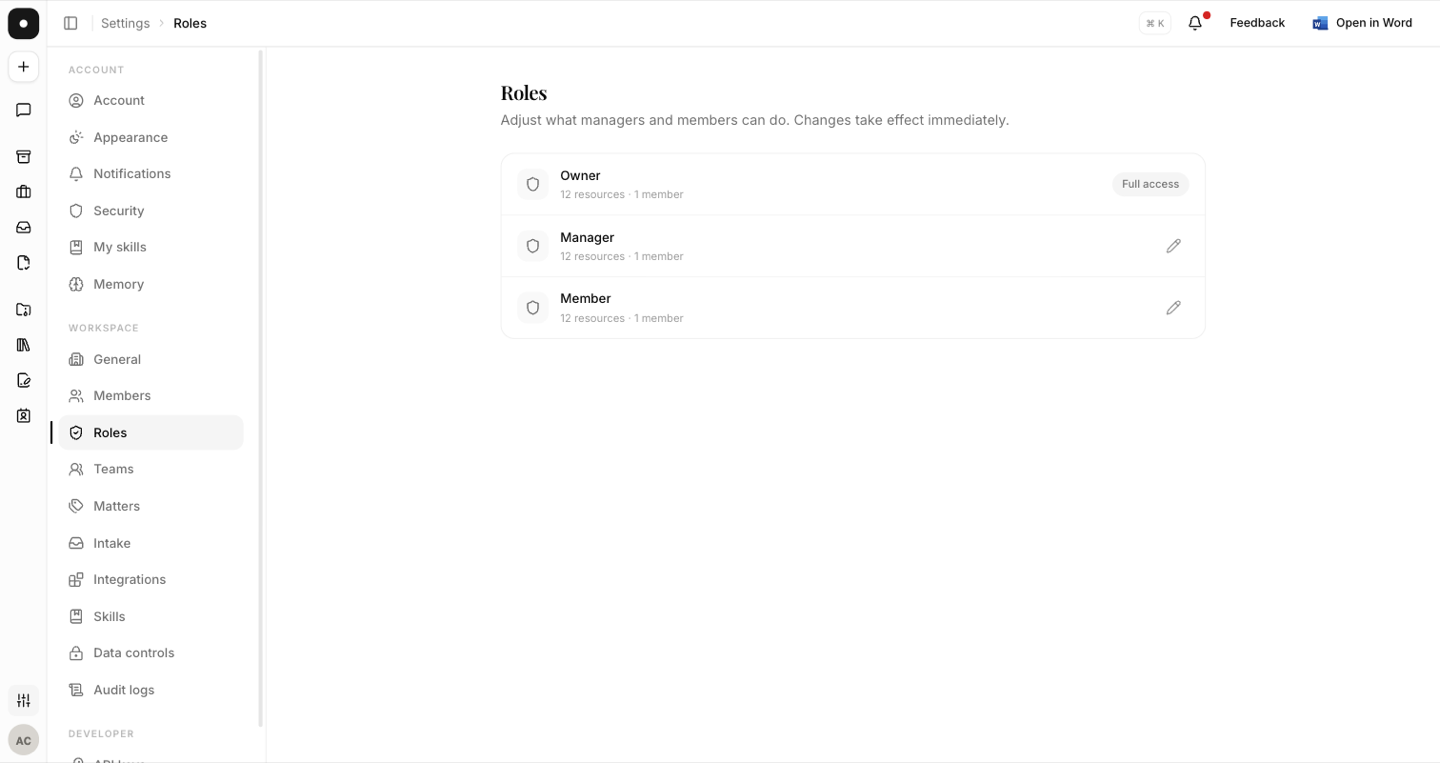
Roles
Every member has a role that determines what they can do — typically Owner, Admin or Member. It's the first and most important control you'll set.
Least privilege
Give each person the lowest role that still lets them do their job, and reserve elevated permissions for the few who genuinely need them. Review roles periodically — access that lingers after someone changes teams or leaves is the most common avoidable risk.
Teams
Group members into teams to scope shared playbooks and documents by function or matter, so the right people see the right material. See Teams & shared access.
Specific capabilities — custom roles, enforced policies, automated provisioning — depend on your plan. Confirm what's available for your account with your instaSpace representative.